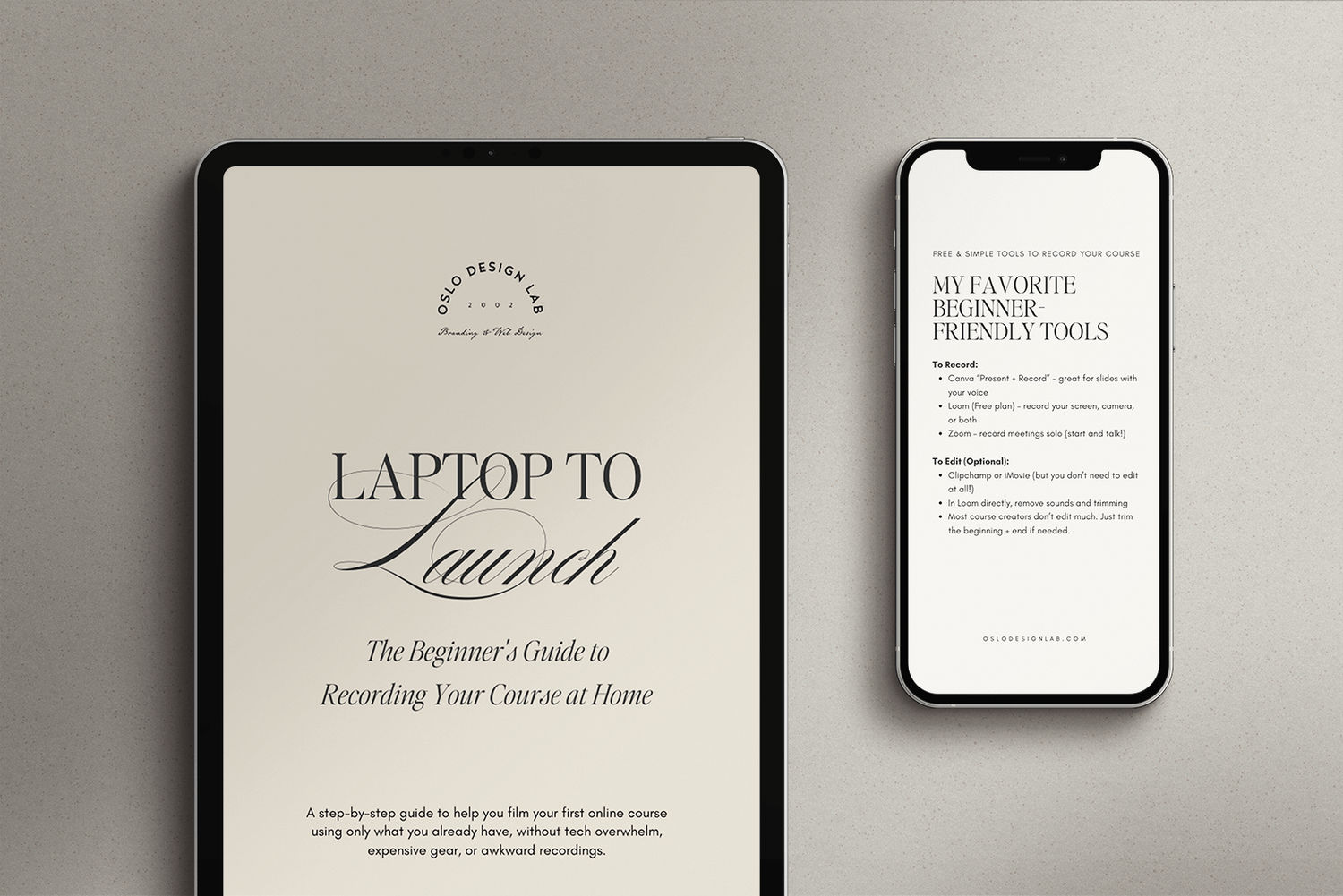
The no-stress setup to start recording your course from home
You don’t need fancy gear, a big studio, or a tech team to launch your online course.
All you need is your laptop, good light, and the right setup. I’ll show you exactly how.
This FREE guide is for you if you’ve ever thought:
“I want to create a course, but I have no clue how to film it.”
“I’m not techy. Can I really do this from my laptop?”
“Where do I even start with lighting and screen recording?”
WHATS INSIDE?
The exact setup I recommend (simple, affordable, and works for beginners)
How to use natural light or basic lamps to look professional on camera
Where to sit, what to wear, and how to avoid awkward angles
Tools for recording your screen and face at the same time, made easy
How to feel more confident filming (even if you’ve never done it before)
Get Instant Access to Your Free Mini-Guide Today!
You’ll get a plug-and-play visual checklist + beginner filming tips to help you feel ready and excited, not overwhelmed.
Enter your name
Enter Your Best Email (Where I’ll Send the Guide)
No spam. Just actionable branding insights. Unsubscribe anytime

OSLO DESIGN LAB 2024
Disclaimer | Contact | Terms & Agreements | Privacy Policy | Home
Download for free
Terms and conditions:
✓ You must be over 18 or over to enter.
✓ Available WORLDWIDE.
✓ The only account that will contact you about this Giveaway is: @imannemaud @upstrider and via email address: info@upstriderofficial.com and help@annemaud.com
✓ We will never ask you to divulge personal details other than your phone number and your email address.
✓ We will never ask you to pay to enter.
✓ We will never ask you to click a link or send a fee to claim your prize.
✓ This giveaway is not endorsed by Instagram.
✓ To win, enter your name and email address.
✓ Winner will be selected at random
✓ Winner will be announced publicly on Instagram Stories and contacted by email.